天天素材网
天天素材网
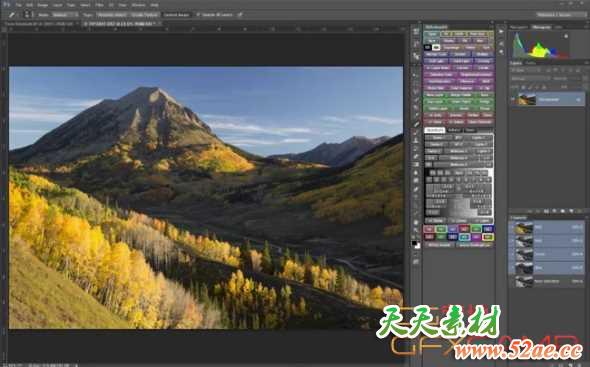
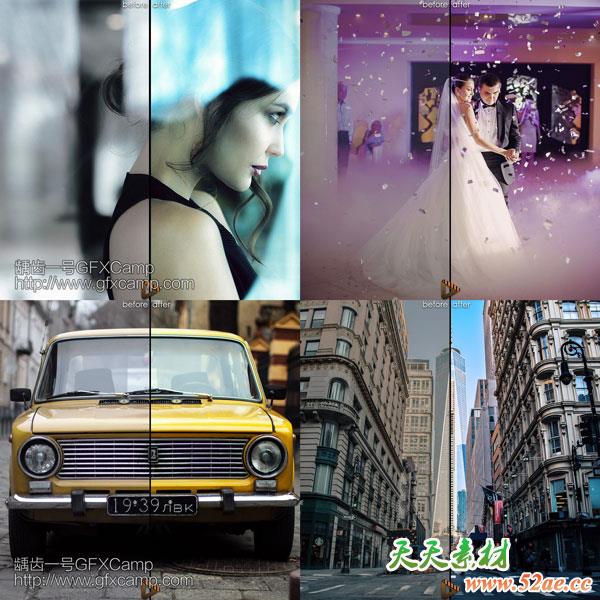
可以在PS中根据图片亮度的不同,对不同的区域进行单独的调节
The TKActions V6 panel is the newest release of the comprehensive panel for making luminosity masks and running Photoshop. It includes all the features of the previous V5 panel plus many new ones. Like it’s predecessor, the V6 panel is again modular, so users can configure it in whatever manner works best in their workspace. The Combo module even has two different arrangements to allow a new compact layout if that’s desired.
安装步骤:
- 拷贝TKActions V6文件夹里面对应版本的tk.rmtwovsix文件夹到如下位置
- Win:C:\Program Files (x86)\Common Files\Adobe\CEP\extensions\
- Mac:~/Library/Application Support/Adobe/CEP/extensions
如何找到这个文件夹?
打开Finder,Shift+Commad+G,前往文件夹,输入:~/Library/Application Support/Adobe/
然后找到CEP/extensions文件夹,如果没有的话就手动新建一个
- Win的运行一下Add Keys.reg,Mac的运行一下install-as-admin
- 打开PS,在顶部菜单,窗口-扩展- TKActions