天天素材网
天天素材网
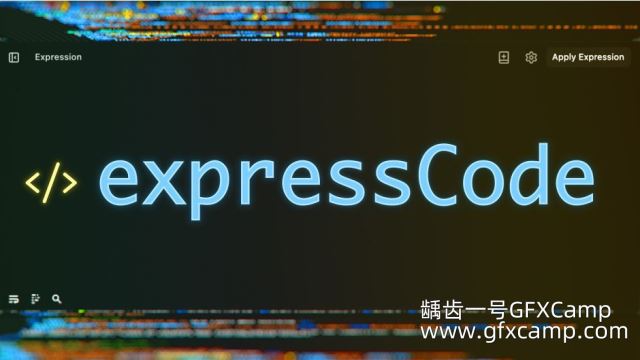
AE仿VS Code代码表达式编辑器脚本 Aescripts expressCode V1.0.0 + 使用教程
将 VS Code 强大的编辑器带入 After Effects!获得智能感知补全、实时错误检查、悬停定义和 TypeScript 支持。可随时编辑组件中的任意表达式,无需在时间轴中反复查找。将最常使用的脚本和表达式保存在内置库中,实现一键访问。
Bring VS Code’s powerful editor to After Effects! Get IntelliSense completion, real-time error checking, hover definitions, and TypeScript support. Edit any expression in your comp instantly, without hunting through the timeline. Save your most-used scripts and expressions in the built-in library for one-click access.
支持的AE版本?
- AE 2026, 2025, 2024, 2023, 2022, 2021, Win/Mac
AE脚本怎么安装?
- 参考文档步骤
AE脚本不能用?
- 不要用中文版AE,中文版表达式会报错
- 偏好设置,Edit—Preferences—General面板下,勾选上Allow Scripts to Write Files and Access Network
- 脚本不支持你的AE版本(可能性较小)