天天素材网
天天素材网

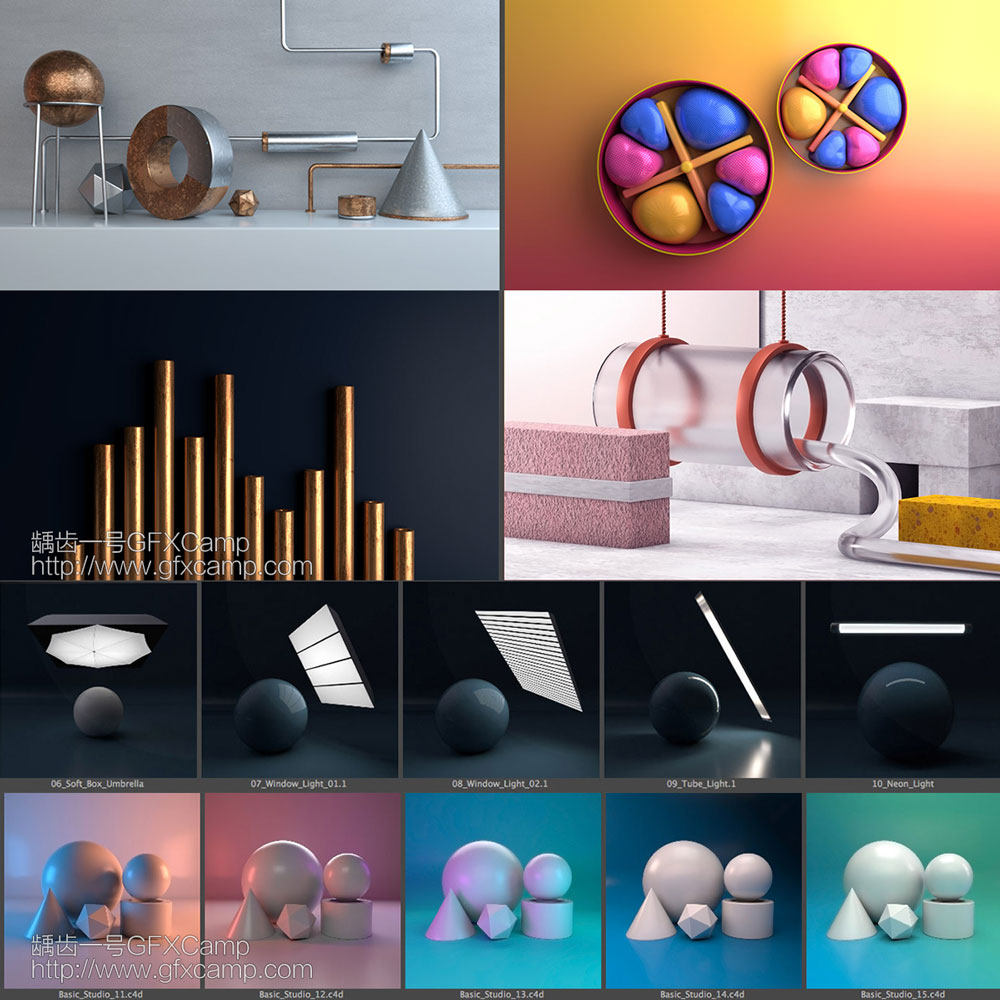
可以在模型指定位置绘制需要灯光的位置,快速生成各种灯光或者投影效果
- You do not need to paint the entire surface. Draw a few simple strokes over surfaces that you’d like highlighted by your light.
- For tube lights, use the right click button to end the current stroke and start a new one – this is to make a separate tube light.
- Ending strokes is available in other tools for visual clarity, but doesn’t affect the final result.
- Single clicks draw straight lines (useful for geometric shapes), while holding down the mouse button draws all the squiggles.
- Draw on multiple surfaces. The tools can handle most cases where surfaces face different directions, but it will fail if the average direction cancels itself out.
- Spot lamps prefer circular strokes. But if you don’t trust your ability in drawing circles, a painted line representing the diameter is sufficient.
- Area lamps prefer rectangles, squares, circles or a single painted line. You can change the area lamp’s shape in the redo panel.
- Point lamps are the most forgiving, since its rotation is irrelevant.
安装步骤:
- Blender 4或者低版本
在顶部菜单编辑(Edit)-偏好设置(Preference)-插件(Add-ons)-安装(Install),弹窗里选择对应ZIP安装 - Blender 4.1或者高版本
在顶部菜单编辑(Edit)-偏好设置(Preference)-插件(Add-ons),右上角下拉,选择从磁盘安装,弹窗里选择对应ZIP安装
V1.5.5版本点击下载
V1.4.1版本点击下载
有很多高仿网站和淘宝店铺,都是假冒的,谨防受骗上当~
付费素材都是站长测试过的,保证可用,有问题请联系站长,负责解决