天天素材网
天天素材网
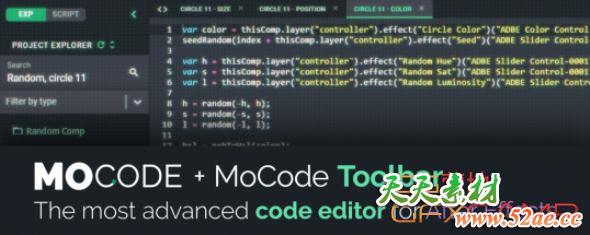
MoCode有整套更加智能的AE表达式书写工具和流程,不仅仅是的代码编辑器,而是可以更加快捷方便的书写、保存、修改、重利用代码等
MoCode brings an entire development environment and a toolbar in After Effects for beginners and experts. It’s not just a code editor, but an all-new way to write quickly and easily your expressions and scripts, save, classify and reuse it.
支持的AE版本:
- Win/Mac CC 2019, CC 2018
AE脚本怎么安装?
- 参考压缩包里面的文档说明
AE脚本不能用?
- 不要用中文版AE,中文版表达式会报错
- 偏好设置,Edit—Preferences—General面板下,勾选上Allow Scripts to Write Files and Access Network
- 脚本不支持你的AE版本(可能性较小)