天天素材网
天天素材网

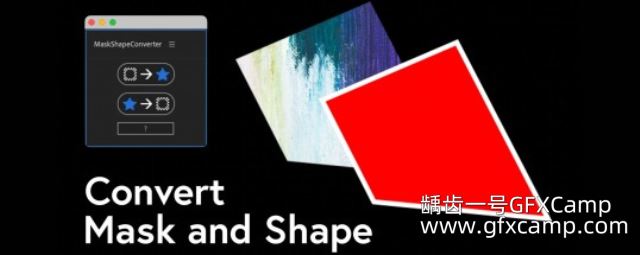
对AE的路径进行编辑,比如整体镜像翻转、节点打断、平均分布、部分节点复制粘贴等
Adjusting path points and tangents in After Effects has always been a frustrating experience when compared to the power and ease of dedicated vector tools like Illustrator. In native After Effects, you can’t
- flip a path shape exactly from one side to another
- align a point to the position of another point
- see the actual values that lie behind where those points are
- copy a tangent and paste it to another point
- move points precisely along their layer’s X or Y axis if that layer has been rotated…
支持的AE版本?
- AE 2022, 2021, 2020, CC 2019, CC 2018,Win/Mac,中文版/英文版AE
AE脚本怎么安装?
- 参考文档安装步骤
AE脚本不能用?
- 不要用中文版AE,中文版表达式会报错
- 偏好设置,Edit—Preferences—General面板下,勾选上Allow Scripts to Write Files and Access Network
- 脚本不支持你的AE版本(可能性较小)
百度网盘点击下载